> For the complete documentation index, see [llms.txt](https://dvote.gitbook.io/docs/llms.txt). Markdown versions of documentation pages are available by appending `.md` to page URLs; this page is available as [Markdown](https://dvote.gitbook.io/docs/welcome-to-dvote/user-guide/space/strategies.md).
# Strategies
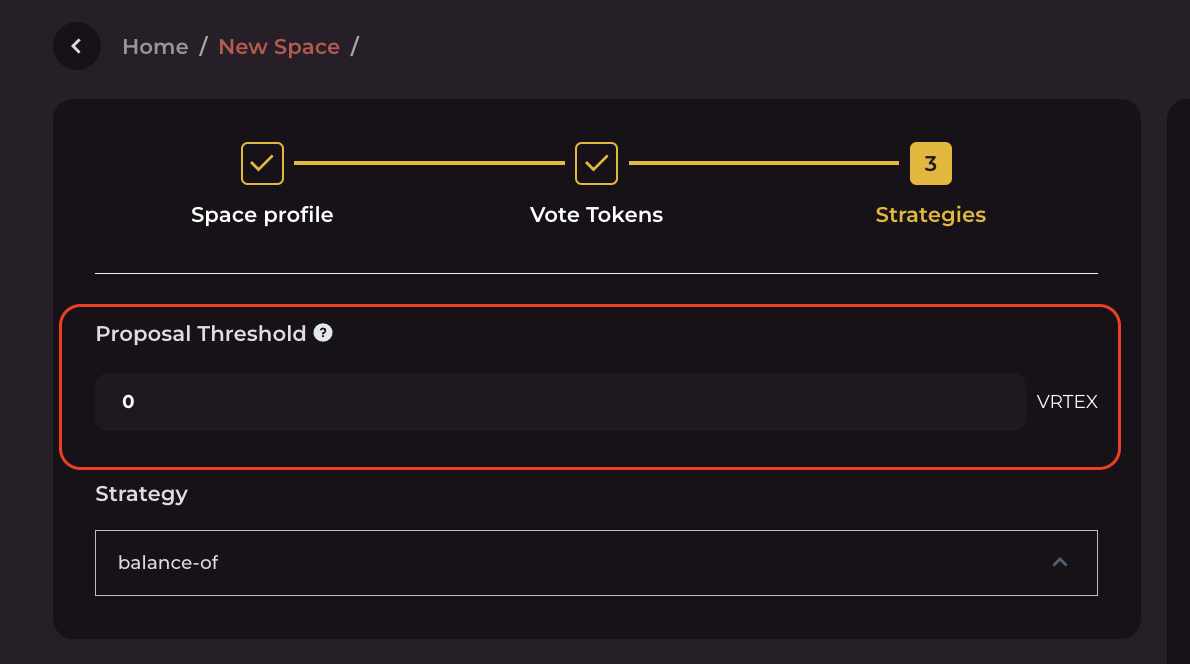
### 1. Proposal Threshold
The proposal threshold is the minimum number of tokens you need in your wallet to submit a proposal in a specific space.
In the example below, the threshold is set to `0`. This means anyone can create a proposal, even if they don't have any `VRTEX` tokens.
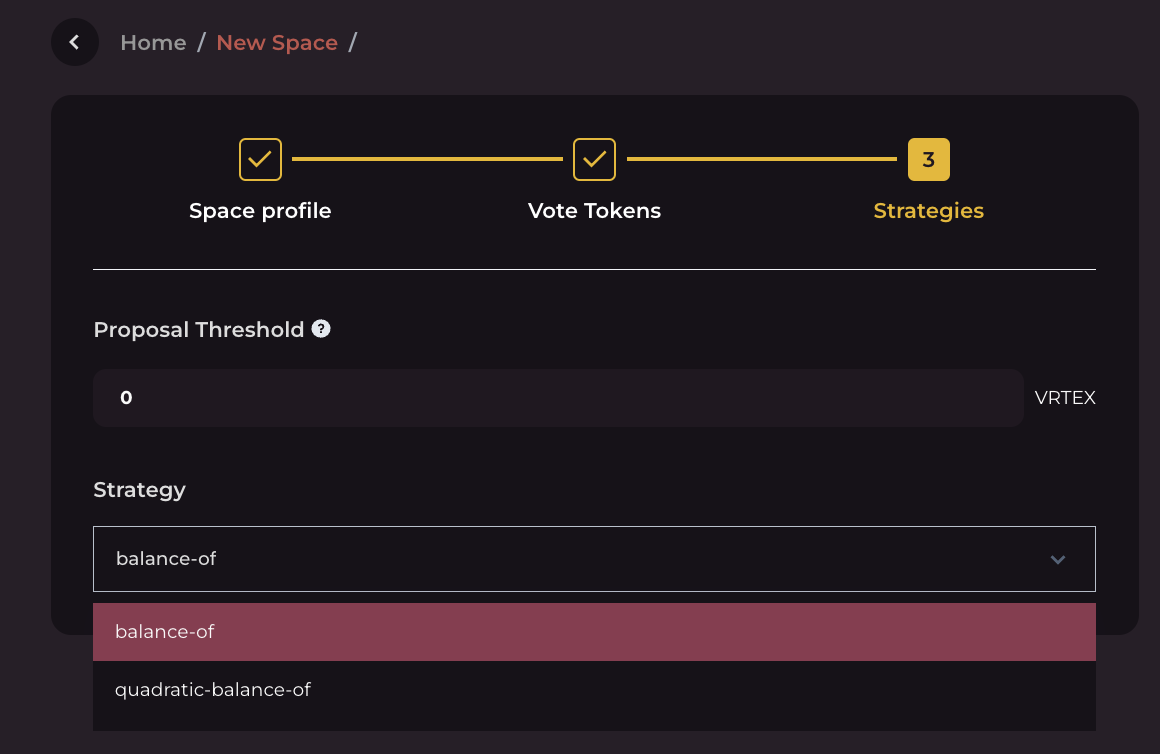
### 2. Strategy
This section explains how voting power is calculated. You can use two different strategies for voting:
#### balance-of
This strategy returns the balances of the voters for a specific BC20 token or Collection.
#### quadratic-balance-of
This strategy takes the square root of your voting power (token balance multiplied by voting weight).
***
## Strategy Testing
### 1. Open Strategy Testing
On the "**Strategies"** page, click the **`Test Strategy`** button.\
A pop-up window will appear.
### 2. Enter Wallet Address and Validate Contracts
In the pop-up window:
* Paste the **wallet address** you want to use to check voting power.
* Validate each **token contract** included in the strategy.
You can choose to:
* Check voting power at a **specific block height**, or
* Use the **latest block height**.
### 3. Test the Strategy
Click **`Test Strategy`** to run the calculation.
The system will display:
* The voting power for each individual contract
* The **total voting power** at the selected block height
If the results are correct, close the pop-up window and continue with the rest of your setup.
***
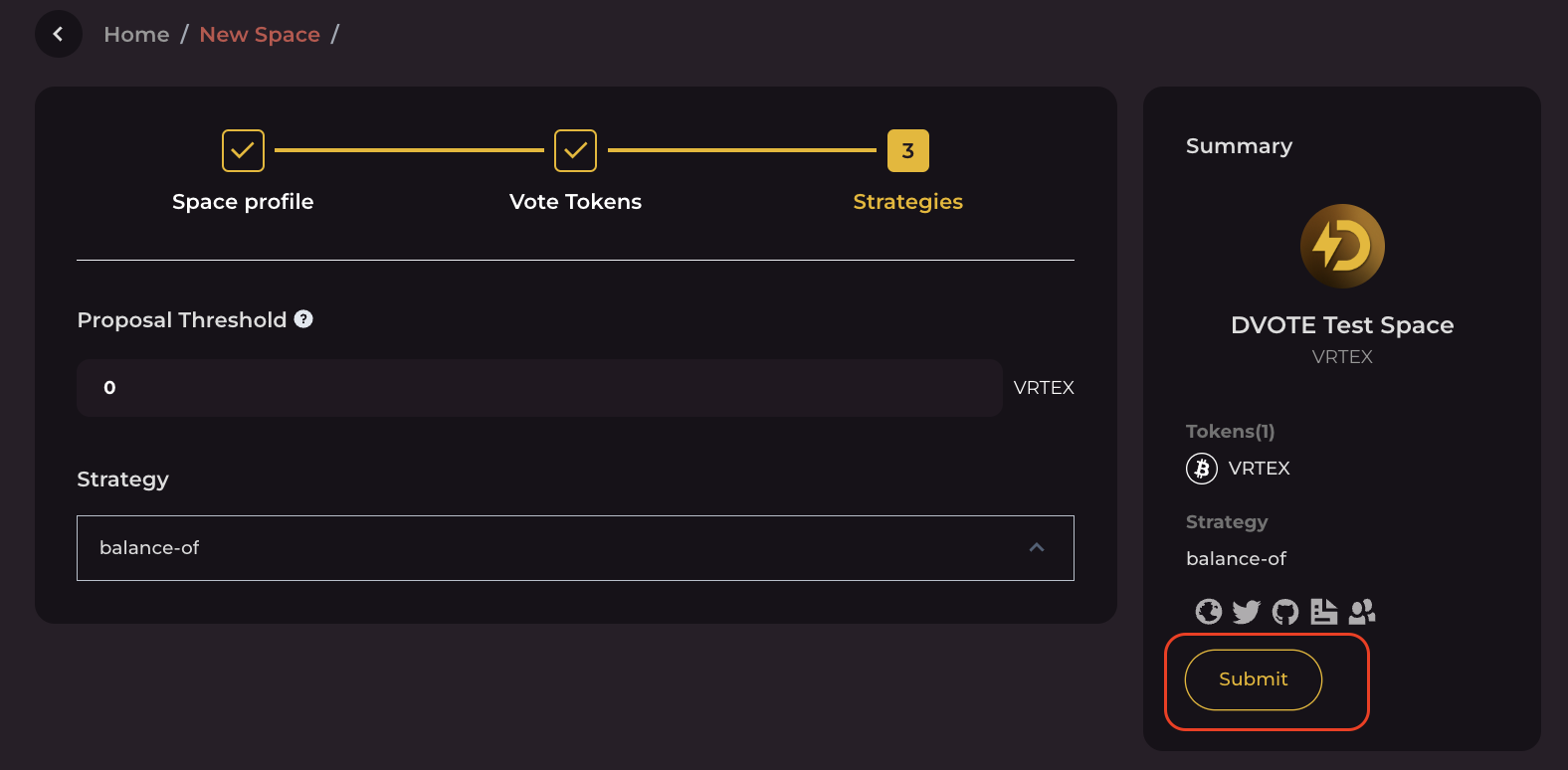
## :tada: Congrats! Your space is successfully created
When you're finished with everything, click `Submit` and sign a message in your wallet. After that, you're all set—you've created your space successfully.