> For the complete documentation index, see [llms.txt](https://dvote.gitbook.io/docs/llms.txt). Markdown versions of documentation pages are available by appending `.md` to page URLs; this page is available as [Markdown](https://dvote.gitbook.io/docs/welcome-to-dvote/user-guide/space/setup-a-space-profile.md).
# Setup a Space Profile
This page shows you, step by step, how to create a space for your organization.
## 1. Connect Wallet and Add a Space
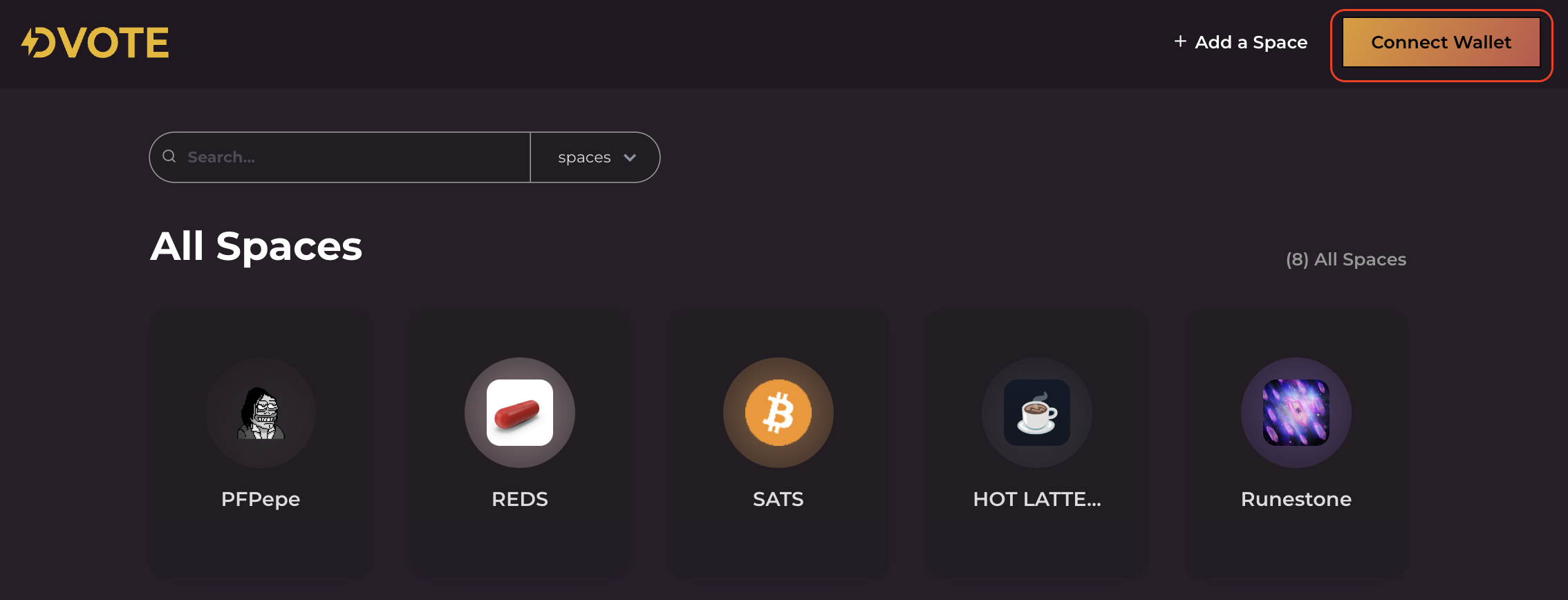
To begin, go to [btc.dvote.ai](https://btc.dvote.ai/) for Bitcoin, [evm.dvote.ai](https://evm.dvote.ai/) for EVM networks, or [sol.dvote.ai](https://sol.dvote.ai/) for Solana Ecosystem. Click on the `Connect Wallet` button located at the top right corner of the homepage. Select your wallet provider from the list.
{% hint style="danger" %}
The wallets supported are [Unisat](https://unisat.io/), [Xverse](https://www.xverse.app/), [Metamask](https://metamask.io/), [Phantom](https://phantom.com/), [Petra](https://petra.app/), and [Wallet Connect](https://walletconnect.com/).
{% endhint %}
#### Social Login
DVOTE now supports **social login.** If you're new to Web3 or simply prefer convenience, you can now join, vote, and participate using Google, Twitter, Apple, or email with no wallet setup required. \
\
This feature is powered by [**Magic Link**](https://magic.link/docs/home/security/product-security#patented-key-management), this feature ensures secure, non-custodial authentication without compromising user privacy or control. Learn more about this feature [here](https://docs.reown.com/appkit/authentication/socials).
***
After connecting your wallet, click the `+ Add a Space` button next to the `Connect Wallet` button.
Dvote Homepage
## 2. Setup a Space profile
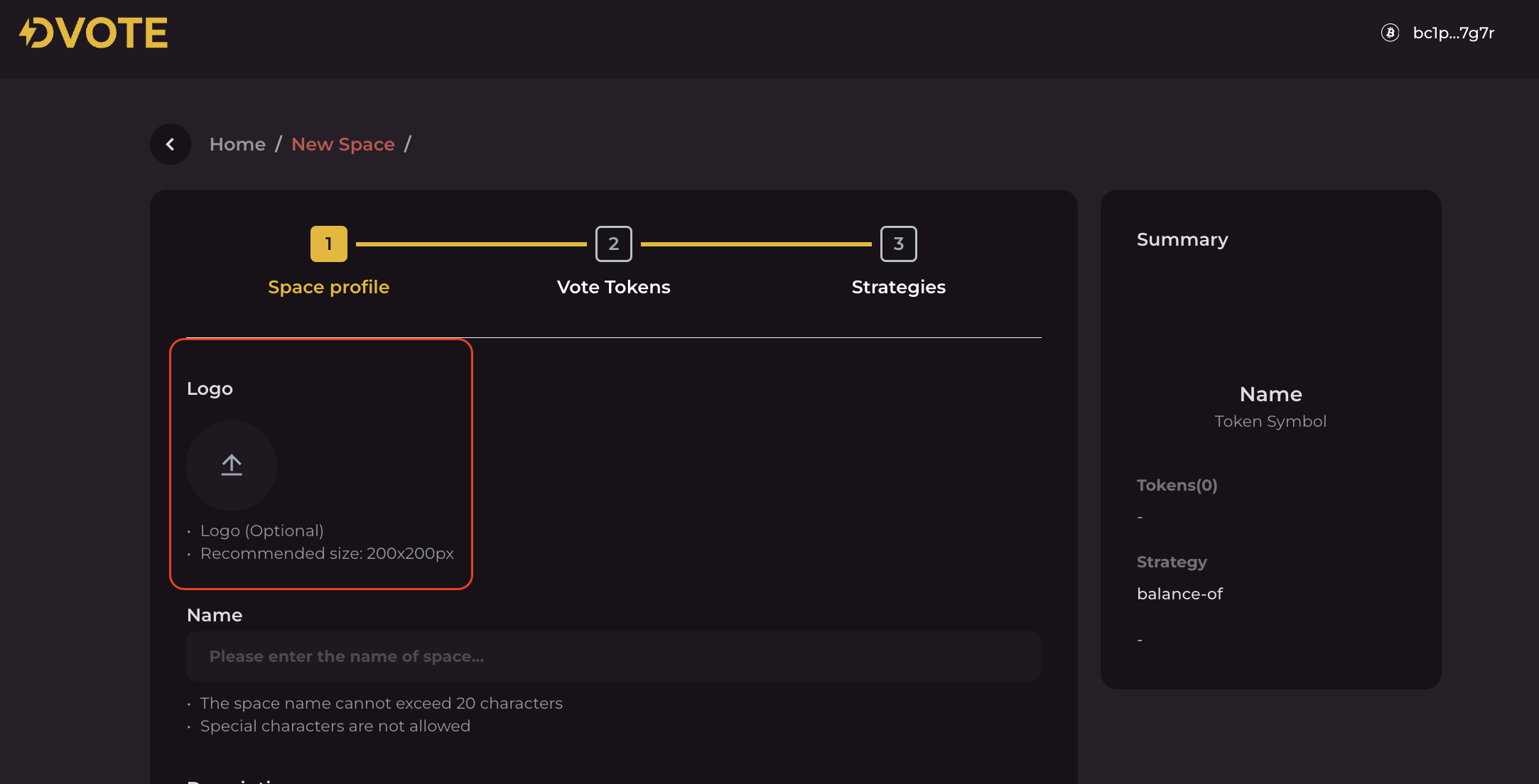
When you click on the `+ Add a Space` button, you'll be taken to a page where you can create your new space. Here's where you set up the space's profile:
### Logo
**This feature is optional.** Having a custom logo adds a personal touch and can significantly enhance your space's visual appeal.
{% hint style="info" %}
For optimal display, it's suggested to use a logo with dimensions of **200 by 200 pixels**.
{% endhint %}
If you don't prefer to upload a logo, the system will automatically generate a unique logo for you. This auto-creation process uses an *identicons* that’s a randomized pixelated icon based on the name of your space.
Space Creation Page
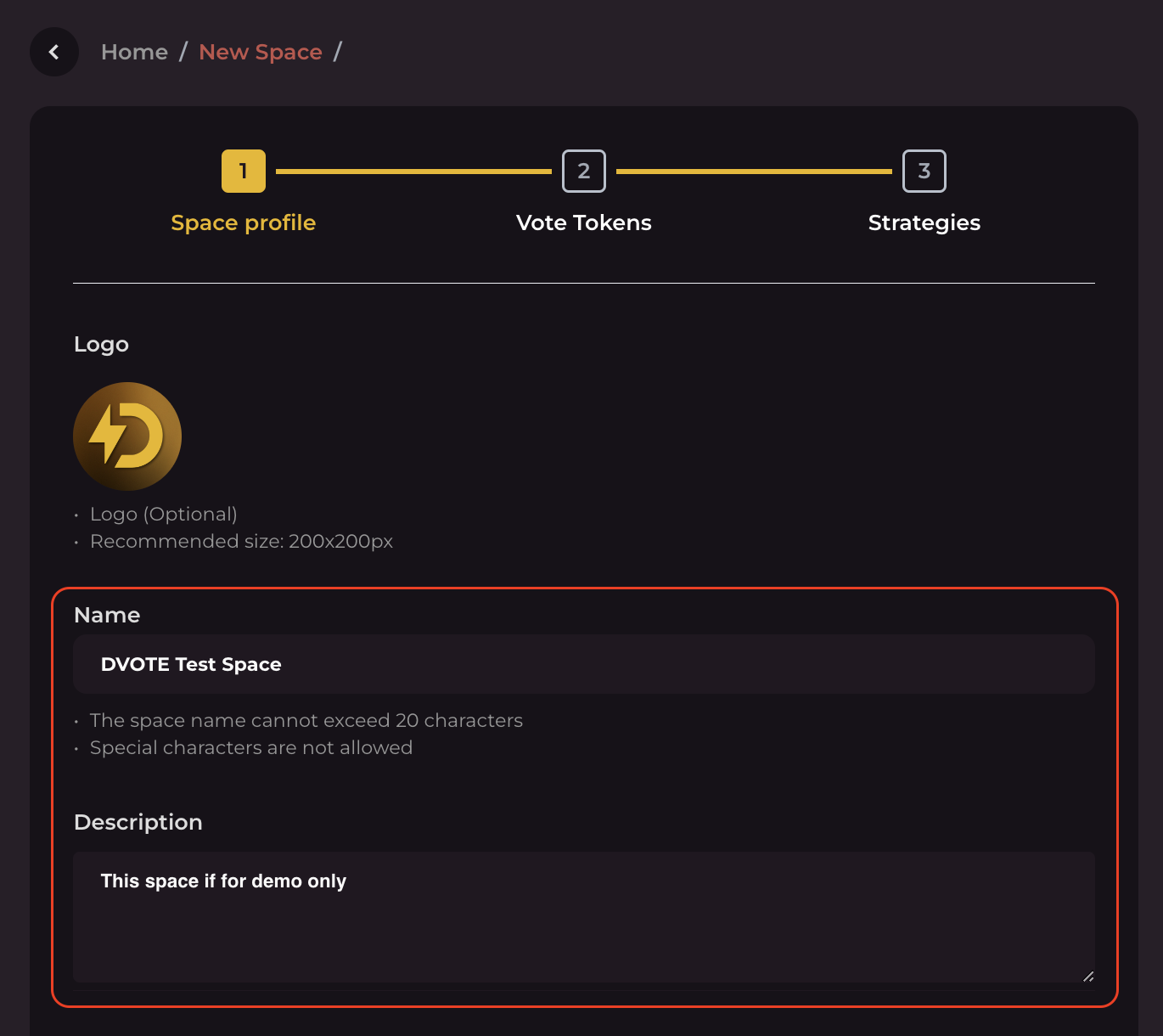
### Name and Description
Add a name to your space. There's a limit of 20 characters or less. You also need to add a brief description of your space and organization. This step is necessary to help others understand what your space is about.
Space Creation Page
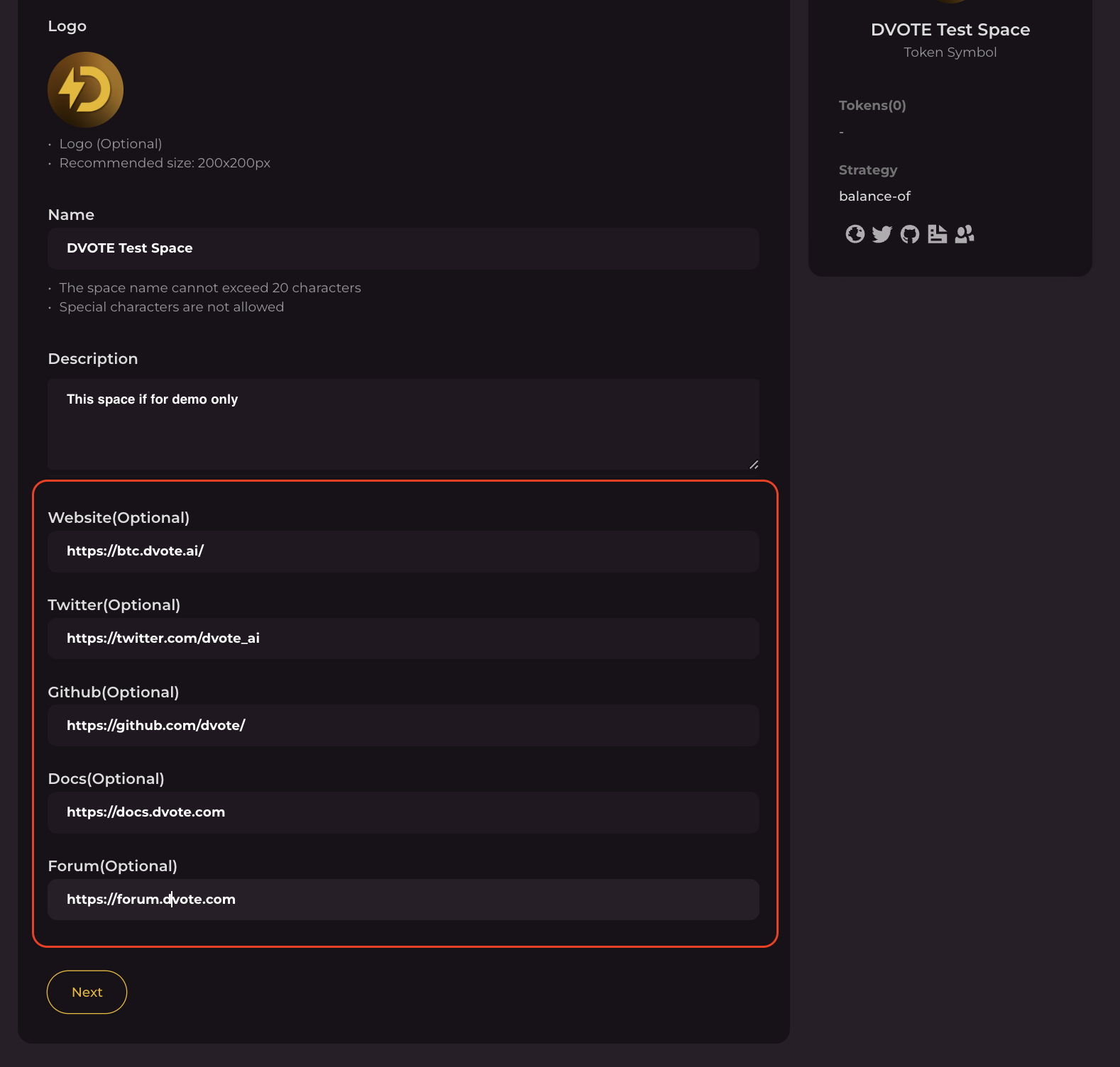
### Additional Information
You can add extra information to your space, like links to your official website, Twitter (now called X), GitHub, documentation, and forums.
When you've finished setting up your space profile, just click `Next.`
### Tutorial Video
Here's a tutorial guide on how to create a Space on dVote:
{% embed url="" %}