> For the complete documentation index, see [llms.txt](https://dvote.gitbook.io/docs/llms.txt). Markdown versions of documentation pages are available by appending `.md` to page URLs; this page is available as [Markdown](https://dvote.gitbook.io/docs/welcome-to-dvote/user-guide/space/add-vote-tokens/aptos-network.md).
# Aptos Network
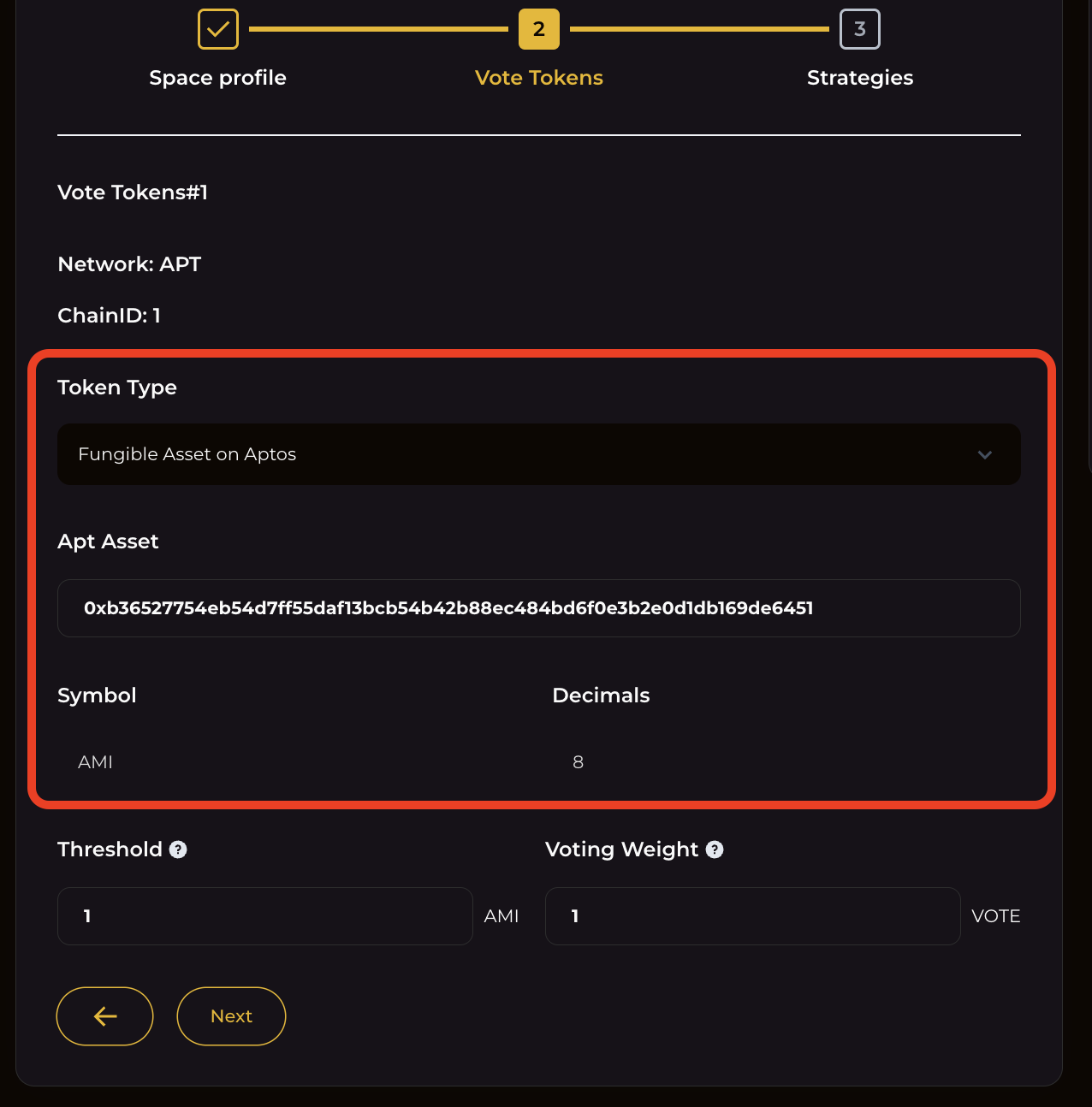
Go to . In the vote tokens section click on `+ new assets` to add asset
## 1. Aptos Network
A network is the underlying chain where your organization operates. You can choose a network where the token is available.
## 2. Token Details
To set up your participant's voting power, you'll need to give some details about the token used in your governance activity. Here's what you need:
* **Network (Token Type)**: This describes what kind of token you'll organization will use depending on the network.\
\
**SUI Network:** Contract address
* **Contract Address:** This is an asset contract address.
* **Token Details**: After you add the asset details, the system will automatically find the token's symbol the number of decimals it uses, and other details.
## 3. Threshold and Voting Weight
This section explains who can vote and how much their vote counts.
* **Threshold**: This is the minimum number of tokens you need in your wallet to be able to vote.
* **Voting Weight**: This is a multiplier that determines how much each token is worth when voting. You multiply your token balance by this number to get your total voting power.
Once everything is set, hit `next` to proceed to the next process.