> For the complete documentation index, see [llms.txt](https://dvote.gitbook.io/docs/llms.txt). Markdown versions of documentation pages are available by appending `.md` to page URLs; this page is available as [Markdown](https://dvote.gitbook.io/docs/welcome-to-dvote/user-guide/space.md).
# Space
## What is a space?
A **space** on DVOTE is like an organization's account where anyone visiting the platform can see what they're up to. It's a central spot where you can find all the proposals linked to that organization and get important information about what they're doing.
The space also gives the organization the tools to manage and customize its proposal and voting settings. This means they can decide how proposals are created, who can vote, and how the voting process works. It's a one-stop place for everything related to the organization's decision-making on DVOTE.
### Access a space
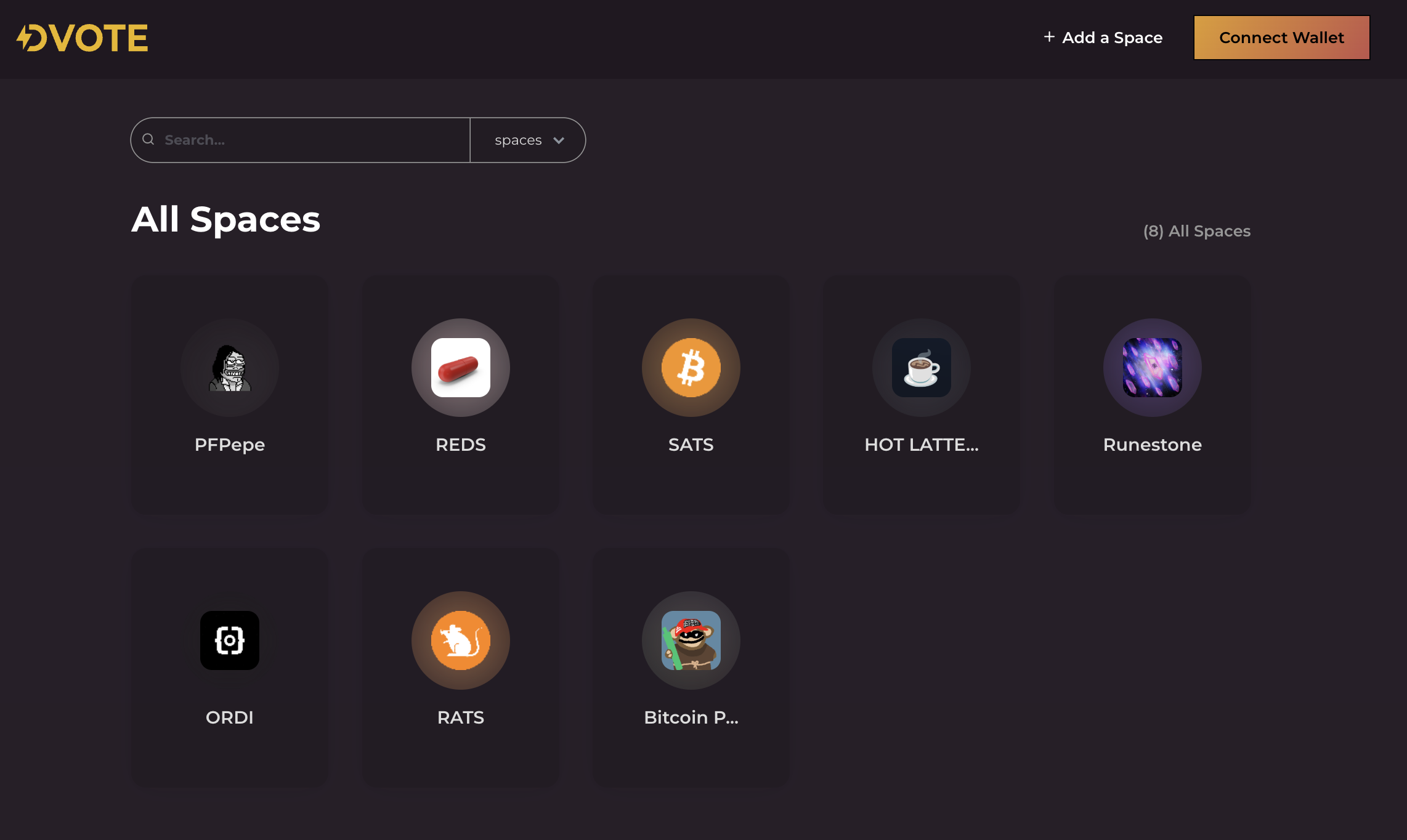
On the homepage of , you'll find a list of all the spaces. In the top left corner, there's a **search bar** where you can type in the name of a space to quickly find it.
If you've created a space, there's a special section for the spaces you created.
Dvote Homepage
You can also join a space: from the main directory listing all the spaces, join a space by hovering your mouse to a space and by clicking the `Join` button.
### Space overview
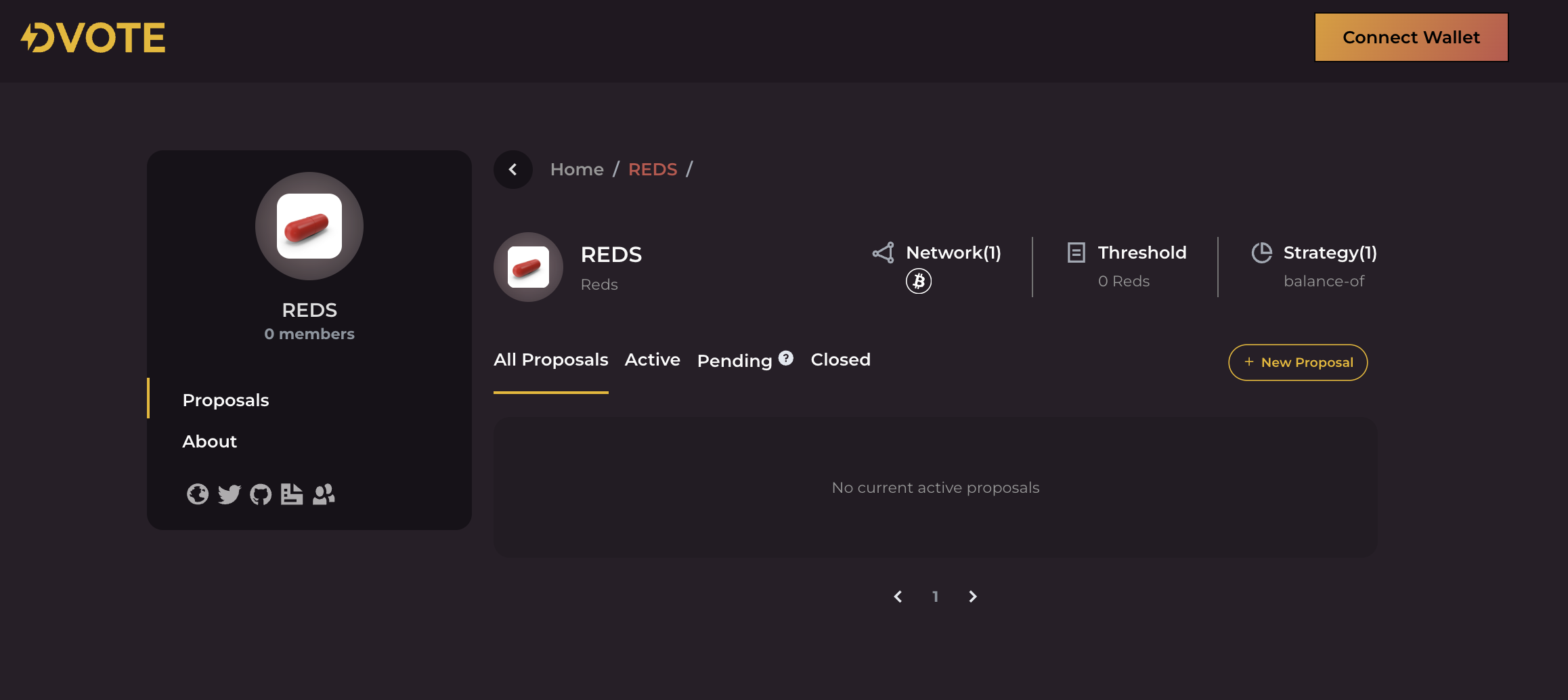
The information you see on a space overview page can vary depending on your role and the specific settings of the space. Here’s an example from our dummy space showing what is visible to anyone, even if they aren't logged in.
DVOTE Space Homepage
### Edit your space
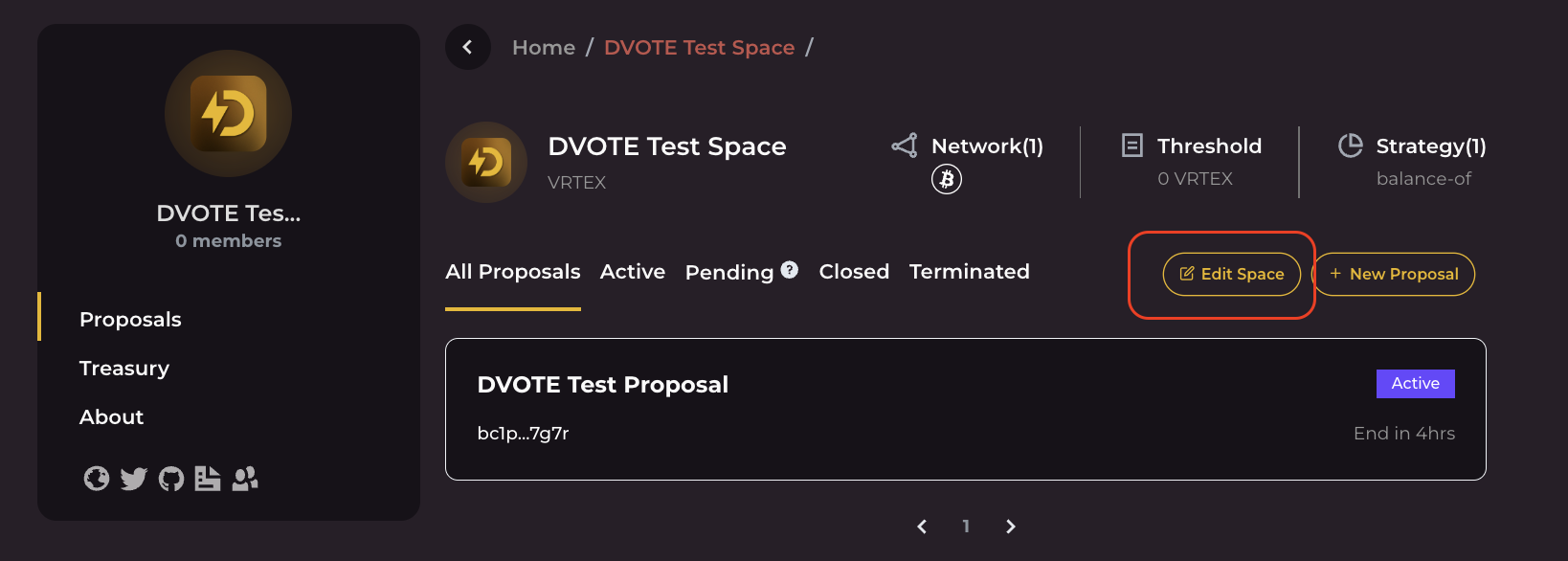
If you're the space owner, you can make changes to it by clicking the `Edit Space` button, which is next to the `+ New Proposal` button.